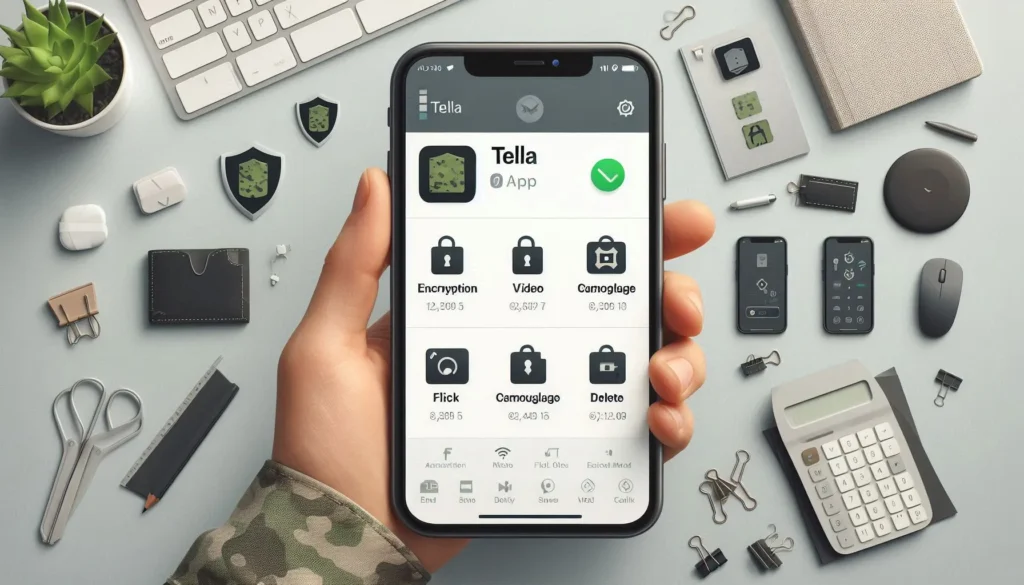
Tella is an app by Horizontal for recording, organizing and protecting sensitive documentation. It can capture photos, videos and audio, import files, and support documentation when internet access is limited. Its encrypted vault is useful only when you also understand how locks, copies, backups and sharing work.
Open Tella by Horizontal on Google Play. Use the official listing to check compatibility. This guide describes documented behavior; it is not an independent security audit or a promise that an app can keep every person safe in every situation.
Set up Tella before storing important files
- Install the official app and read its introduction.
- Choose a strong lock that you can retain securely. Avoid a name, birthday or obvious sequence.
- Review permissions as you use each function: recording needs camera or microphone access; importing needs file access; verification features can request location.
- Start with a non-sensitive sample. Practice opening, organizing and exporting it before relying on the workflow.
- Decide where an appropriate backup will be kept and who can access it.
The official Android guide explains current controls. Plan the workflow before a difficult situation rather than learning unfamiliar security settings while under pressure.
Know where copies of your files exist
A file inside Tella’s vault and a copy in your ordinary gallery are different copies. Importing does not necessarily remove the original. Exports and files shared through other apps are no longer protected by Tella’s vault encryption. They may remain in another app, device folder or backup.
Tella’s security limitations also explain that encrypted transmission to a server does not establish the server’s storage security. Ask the receiving organization how it controls access and retains files before sending sensitive documentation.
Camouflage does not make the app undetectable
Android camouflage can change how Tella appears on the phone, but Tella documents that it can still be found through Android settings. Do not treat a disguised icon as protection against someone deliberately examining the device.
Choose protections for your actual circumstances. If discovery of an app or file could create serious personal risk, get help from a trusted digital-security professional or the organization supporting your documentation work.
Quick Delete and forgotten locks can mean permanent loss
According to Tella’s feature documentation, losing your lock can prevent recovery of the vault. Deleted files and files lost when uninstalling cannot be restored unless you have a suitable backup outside that vault.
Quick Delete is a destructive feature, not routine cleanup. Read what your configuration deletes, and practise only with expendable sample files. The setting that deletes data after repeated failed unlock attempts also needs careful consideration. Do not enable deletion controls without understanding their consequences.
Check the background activity status before leaving the app during file processing; Tella’s documentation warns that interrupting background encryption can lose pending files.
Privacy information and help
Tella’s documentation distinguishes the Google Play Android build from Tella-FOSS and describes analytics choices. Read the current privacy information for the version you install instead of assuming every build has identical behavior. Store disclosure labels do not replace that review.
For setup or security questions, use Tella’s official help links. Avoid sending confidential files in a support request unless you have established an appropriate way to share them.
How to Uninstall Tella without losing your files
First back up the files you need outside this Tella vault and verify that the copies open. Tella warns that uninstalling removes locally stored vault files; a later reinstall cannot restore them without a backup. Protect exported copies because they are outside this vault’s encryption.
Open Android Settings → Apps, select Tella, and choose Uninstall. Menu names vary by phone.
More Articles You May Like