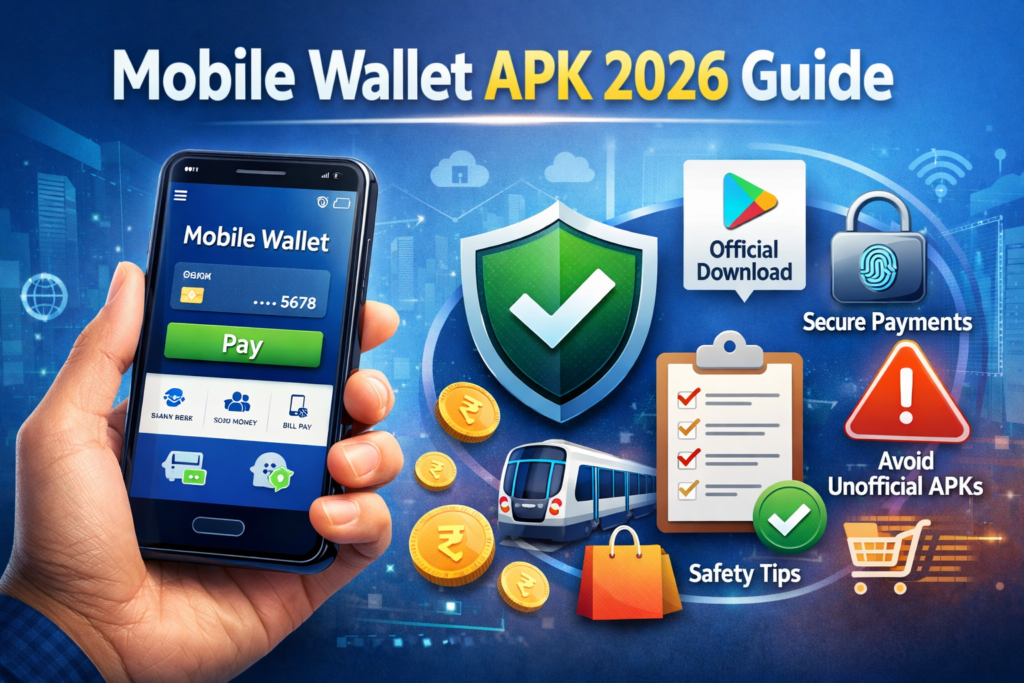
A mobile wallet may hold prepaid value, organise payment cards or store passes and tickets. These functions are not interchangeable. Before downloading a “mobile wallet APK,” identify the provider and decide whether you need payments or a digital place for passes.
This distinction matters in India, where Google Wallet and Google Pay have different roles. Installing a wallet does not automatically create a bank account, enable UPI or make every card work with contactless payments.
Three meanings of mobile wallet
| Type | What it contains | Key question |
|---|---|---|
| Stored-value wallet | A prepaid balance with an issuer | How can I load, spend, withdraw or close it? |
| Payment-card wallet | Eligible card credentials | Are my card, phone and country supported? |
| Pass wallet | Tickets, loyalty cards or access passes | Does the issuing organisation support this pass? |
The RBI’s prepaid-instrument FAQ explains PPIs as instruments used against value stored in them. This differs from an app merely displaying a ticket. Check current issuer terms for the particular product instead of applying one wallet’s limits to another.
Google Wallet in India
Google’s current India availability page shows the Wallet app as supported but marks Wallet contactless payments as unavailable. Individual pass types depend on country, device and participating partners.
A global advertisement is therefore not enough to establish what works in India. Google’s India launch explanation distinguishes Wallet’s everyday passes from Google Pay’s payment role. Check country-specific support when choosing an app.
Use the Google Wallet Play listing for Android. Do not assume a third-party APK unlocks an unsupported regional feature.
UPI is not the same as a prepaid wallet
Standard bank-account UPI pays from a linked bank account. A prepaid wallet has its own balance and terms. The same app may offer several methods, so read the funding source before confirming.
UPI Lite is a specific loaded-balance feature. NPCI advises treating its balance like cash and following the appropriate process when changing devices. Do not assume every app balance behaves like a bank account.
Before adding money
- Identify the issuer and its official support channel.
- Check verification requirements for the features you need.
- Read loading fees, limits and merchant acceptance.
- Check whether transfers and withdrawals are supported for your account type.
- Understand applicable expiry, closure and refund terms.
No single transfer limit covers everything advertised as a wallet. Do not load money solely because a download page promises unrestricted transfers or guaranteed cashback.
Before saving a ticket or pass
Use the issuer’s supported Add to Wallet process where offered. Check the name, event date and any live-code requirements. Keep the original confirmation until you understand how the pass works.
A screenshot is not a universal substitute for a live pass. A loyalty card may identify your membership without paying for the purchase. Check the issuer’s instructions rather than assuming every barcode works the same way.
Protect the phone and account
Use a screen lock, install updates and keep recovery details current. Review what appears on the lock screen and what you share with a pass. Store sensitive documents only when you understand the provider and purpose.
If the phone is lost, use the relevant device and account security tools promptly. Contact the bank or issuer about exposed payment access. A pass organiser and a payment wallet may require different recovery steps.
How to Uninstall a wallet app
Review remaining balances, needed passes and recurring arrangements first. Follow the account or balance-closure procedure if that is your intention. Removing an app through Android Settings does not automatically withdraw money, close an issuer account or cancel a subscription.
For payment setup, see our mobile payments guide. Choose a service by the task it performs, not just the word “wallet.”
Common questions
Does Google Wallet in India replace Google Pay?
Do not assume so. Google’s country-specific information distinguishes Wallet features from payments through Google Pay.
Can every wallet transfer money to a bank?
No. Availability depends on the product, issuer and account eligibility.
Does deleting a pass cancel its booking?
Not necessarily. Use the issuer’s cancellation process for the underlying reservation.
More Articles You May Like