Source review: 18 October 2026. Based on official documentation; this is not a hands-on performance or security test.
The best free VPN app depends on your data needs and the limits you can accept. For a practical starting shortlist, compare Proton VPN, Windscribe and TunnelBear using their published free plans. These are options to evaluate, not a claim that one is fastest or safest for every reader.
This comparison replaces old ratings, server counts and unsupported performance promises with current provider information. We have not run speed, leak or streaming tests. Availability and offers can change by platform or account, so confirm the terms shown before installation or payment.
| Service | Published free allowance | Main trade-off to check |
|---|---|---|
| Proton VPN | Unlimited data; one device connection | Paid features and broader server choice are separate |
| Windscribe | 2GB/month; 10GB with confirmed email | Email promotion condition and monthly cap |
| TunnelBear | 2GB shown on its Free plan | Limited usage; check account reset details |
Jump to: Proton · Windscribe · TunnelBear · Privacy limits · How to choose · Setup · FAQ · Uninstall
Proton VPN: evaluate it when a data cap is the problem
Proton’s official free-plan page advertises unlimited data, no ads, no imposed speed limit and one device connection. It describes the free service as supported by paying customers. These are provider statements, not our measurement of connection quality or an independent privacy audit.
The page separates paid benefits such as broader location choice, streaming support and additional simultaneous devices. Do not assume the free account includes every feature advertised elsewhere on the website. “No speed limit” also does not promise a specific speed on your network.
Our assessment: Start your comparison here if avoiding a monthly data ceiling matters more than selecting a particular location. Check the current free-server behaviour in the app before relying on it for a specific task.
Windscribe: check the allowance and email condition
Windscribe’s free-account guide states that a new free account starts with 2GB per month and rises to 10GB when an email address is added and confirmed. Promotional bonuses have separate conditions; they should not be presented as the standard allowance for everyone.
Its email-policy explanation says promotional messages are part of the 10GB offer. Read that condition before deciding whether the extra allowance suits you. Check the actual balance and reset information in your account.
Our assessment: This is a candidate for occasional use where a capped plan is enough. Estimate your normal workload first. Large downloads and video can consume an allowance quickly, and an attractive headline cap is less useful if you repeatedly run out.
TunnelBear: a limited-use option to inspect
TunnelBear’s pricing page lists 2GB under its Free plan and describes it for testing and limited usage. It places unlimited browsing and other benefits under paid plans. Confirm reset timing and feature access in the current account rather than assuming every paid feature is included.
Our assessment: Consider it for a small trial of your everyday workflow before making a longer commitment. We do not use its marketing claims as evidence of superior speed, guaranteed streaming access or suitability for sensitive work.
What a VPN does not solve
A VPN routes covered traffic through its provider and can encrypt the connection between your device and the VPN server. It changes who you trust with that part of your connection. It does not make everything you do anonymous, erase account records or stop you from entering details into a phishing page.
The FTC’s VPN guidance recommends researching the provider, reviewing permissions and understanding data-sharing practices. A privacy promise is not proof. A website can still recognise information you give it, such as an account login.
Read the exact scope of a no-logs statement: account, billing, diagnostics and connection-related information may be discussed separately. If an audit is advertised, look for its date, scope and findings instead of treating the word “audited” as a permanent guarantee. This article has not independently audited these providers.
Choose around your actual task
- Occasional browsing: compare data caps and the reset schedule.
- Several devices: check simultaneous connection rules for the free tier.
- A specific location: confirm that it is selectable without payment.
- Work access: follow your employer’s approved VPN arrangements.
- Streaming or gaming: do not assume access or low latency without checking.
There is no reason to install many unknown VPN apps simply to find one that connects. Start with an identifiable publisher and official distribution link. Avoid modified APKs or an unrelated download page that promises paid access for free. Compare what you need against what is documented.
Also distinguish a continuing free plan from a trial and a refund offer. A trial may convert into a paid subscription; a money-back offer requires payment and has conditions. Neither is equivalent to a plan you can use indefinitely without paying.
Android setup and practical checks
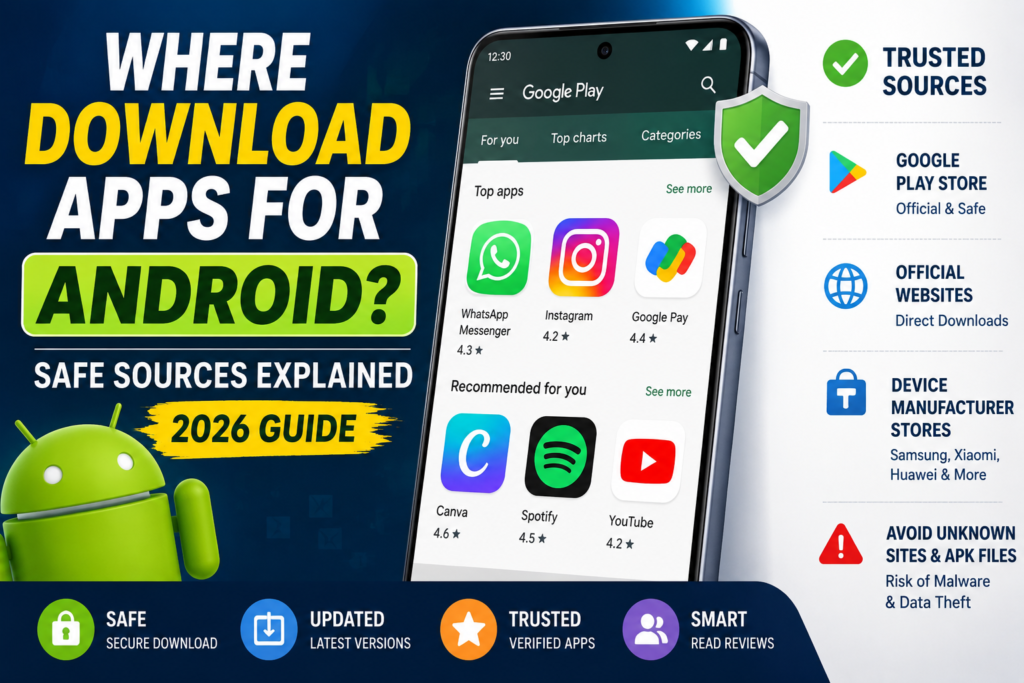
Use the provider’s official website to reach its Android app listing and confirm the publisher. Read the operating-system connection prompt before approving it. Google’s Android VPN guide explains connection and management controls; menus vary by device and Android version.
After connecting, test ordinary browsing and the apps you actually need. Check whether the connection remains active when switching between Wi-Fi and mobile data. These are suggested checks for your device, not results from our own test. Record problems before choosing a paid plan.
Review whether a browser extension covers only browser traffic and whether split-tunnelling settings exclude apps. Do not assume a connected icon means every application uses the same route. If the setup is unclear, consult the provider’s platform-specific documentation.
Frequently asked questions
Which free VPN has no monthly data cap here?
Proton’s reviewed free page advertises unlimited data. That does not mean all paid features are included or that performance is guaranteed.
Does a VPN provide free internet?
No. You still need an underlying internet connection, and your carrier or Wi-Fi charges can still apply.
Will these apps unlock every streaming service?
No such guarantee is made here. Availability, service terms and plan features differ.
Cancel billing and remove the app separately
Disconnect through the app and review the device’s VPN settings if you no longer want the connection. Then uninstall using your device’s normal app controls. On a managed work phone, follow your organisation’s instructions.
If you accepted a trial or subscription, use the original billing provider to cancel. Google Play explains that uninstalling an app does not cancel its subscription. Account deletion and stored-data requests may also require separate steps.
Update policy: We revise the comparison when official free-plan terms change. Server counts, ratings and prices are omitted where they would add unstable detail without helping the decision.
More Articles You May Like