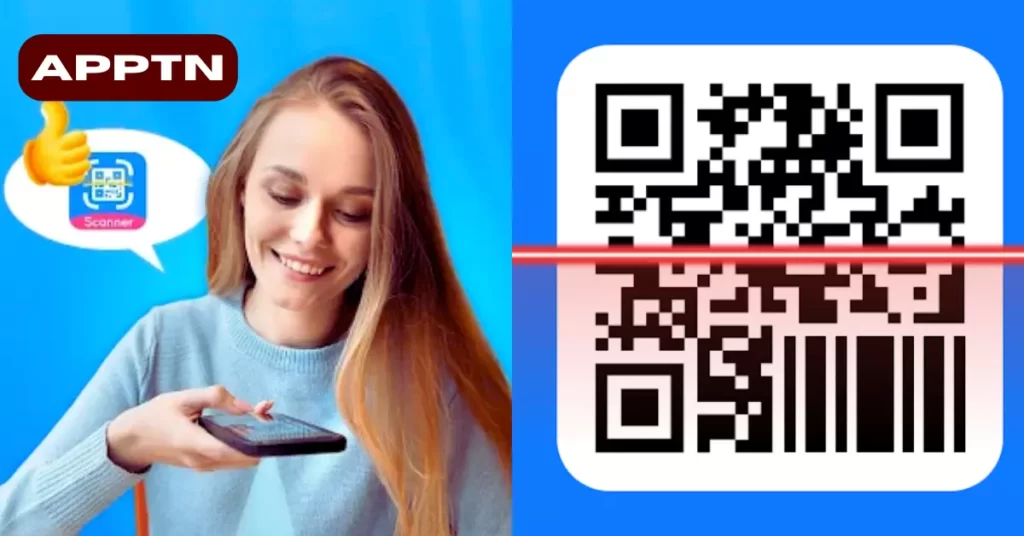
A QR code or barcode scanner reads information stored in a code. It may show a website, text or a product identifier. Scanning does not guarantee the true price, authenticity or safety of a product. Those answers depend on the information behind the code and any database used to look it up.
This guide explains basic scanning and the Android app QR Code & Barcode Scanner Read by Vee Tools Studio. Its official listing is available on Google Play and includes ads and in-app purchases.
Try your phone’s camera first
Some Android camera apps already recognise QR codes. In Camera from Google on supported devices, point the camera at the code in normal photo mode or use its QR mode. Review the result before opening the displayed link. If your camera does not support this, check your phone’s own help or use a dedicated scanner.
What the Vee Tools scanner offers
The developer advertises camera scanning, reading codes from saved images, barcode entry, code creation and scan-history export. Product searches and price comparisons depend on the available results; they are not proof that every shop or product is covered.
View the official QR Code & Barcode Scanner Read listing. Check the app name and developer, since several scanners have similar names.
How to scan a printed code
- Open your chosen scanner and allow camera access when needed.
- Keep the whole code inside the camera view. Improve the lighting and avoid reflections or a blurred image.
- Wait for the decoded result. Read the text, website domain or product number before taking an action.
- Open a link or perform another action only when it matches what you intended.
How to scan a QR code in a saved image
In a scanner that supports image import, choose its image or gallery option and select the saved picture. Menu labels may vary by version. Use a clear image with the complete code visible; cropped edges or heavy compression can prevent decoding.
Selecting an image for scanning does not require sharing your entire gallery with a stranger. Review the Android permission screen and choose the narrowest access that supports the task.
Why scanning does not reveal a universal “real price”
GS1 explains that an ordinary retail barcode generally identifies the item, while description and price are retrieved from a database. Special formats, such as certain variable-weight labels or coupons, are exceptions.
A comparison result may use a different pack size, seller, location or delivery charge. Check the exact model and quantity, the price displayed by the actual seller and any applicable charges. A successful scan alone does not establish that a seller is overcharging or that an item is genuine.
Check links before you open them
The FTC warns that QR codes can lead to fake websites and that attackers sometimes place their own codes over legitimate ones. Inspect the domain for spelling changes, and avoid unexpected codes that pressure you to log in or pay immediately.
A scanner’s warning feature can help, but no scanner can guarantee that every link is harmless. For an important account or payment, open the organisation’s known app or website yourself instead of trusting an unfamiliar QR destination.
Does creating a QR code encrypt my information?
Encoding text as a QR pattern is not the same as encrypting it. Anyone who can read an ordinary text or Wi-Fi QR code may be able to obtain the encoded content. Do not place passwords or private data in a public code merely because it looks unreadable to the eye.
How to Uninstall the QR Scanner
Export any scan history you want to keep before removing QR Code & Barcode Scanner Read. Then open Settings → Apps, select the Vee Tools Studio scanner and tap Uninstall. Removing this scanner does not remove your phone’s separate Camera app.
Sources and review scope
Based on the official Play listing, Google camera instructions, GS1’s barcode-price explanation and FTC QR-code advice. This guide does not claim hands-on testing or an independent security review of the scanner.
Reader Recommendation
Try the camera already on your phone for an occasional QR scan. A dedicated scanner may be useful for saved images, barcode lookup or an exportable history. Judge it by those tasks, not by an unsupported promise to reveal a single true product price.
Frequently Asked Questions
Can a barcode prove a product is genuine?
No. Reading an identifier is not an authenticity check. Use the manufacturer’s documented verification process for that product where available.
Can a QR code contain a password?
Yes, ordinary encoded text can include sensitive information. Anyone who can decode a visible code may be able to read it. Encoding is not encryption.
Why does scanning show a different price?
A lookup may refer to another seller, pack size, region or date. Compare the exact product and checkout price, including delivery charges, before deciding.
More Articles You May Like