Source review: 18 October 2026. Updated using public official documentation. This is not a hands-on app test or a report of a personally witnessed incident.
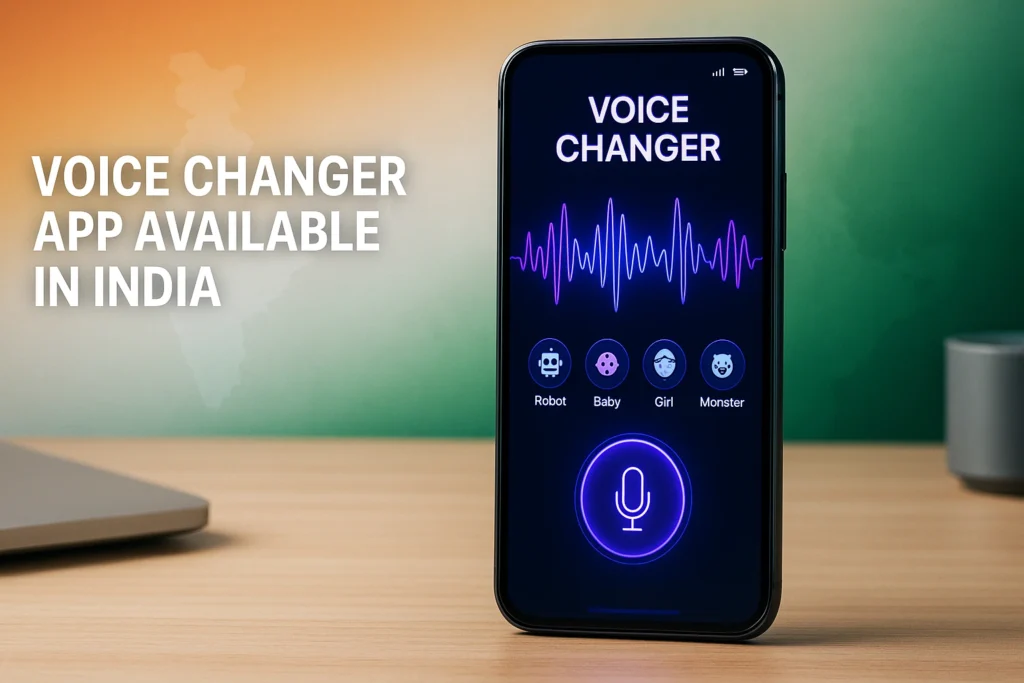
A voice changer app available in India may edit a saved recording, send an altered voice message or process audio for a supported live setup. These are different functions. Installing an app with voice effects does not automatically change the microphone used by every game, WhatsApp call or normal mobile call.
This guide helps you choose by task instead of trusting a long list of supposedly compatible apps. It uses current publisher documentation and an India-localised Play listing. Availability still depends on your store account, device and region; an accessible public listing cannot guarantee installation on every Indian phone.
The previous article claimed real-device testing and universal gaming compatibility that were not supported by evidence. Those claims have been removed. This is a documentation-based comparison, not a performance ranking or a promise that a particular effect will work in your call.
Quick overview
| Your goal | What to look for |
| Funny saved clip | Record, apply an effect and export |
| Video narration | An editable audio file your video editor accepts |
| Desktop live chat | A supported virtual microphone and app routing |
| Mobile live use | Explicit device/app support; hardware may be required |
| Normal SIM call | Do not assume a recording app can alter it |
| Before paying | Test the exact workflow and read renewal terms |
Contents: Android recording option: Voice changer with effects · Voicemod mobile and desktop are different workflows · Calls: ask what kind of call is supported · A practical quality and compatibility check · Cost, privacy and responsible use · FAQ: choosing a voice changer in India · How to uninstall and preserve your recordings
Android recording option: Voice changer with effects
Baviux’s India-localised Google Play listing describes recording your voice, applying effects and sharing the result. It also lists saved-audio import and text-to-voice features. The app contains ads and in-app purchases. Those facts support considering it for recorded clips, not claiming live SIM-call compatibility.
For a short video, record a simple sentence, apply one effect and export the file. Open that exported file in your intended editor before recording a long script. Check that speech remains understandable and that the duration matches your project.
Keep an unchanged original of an important recording. An effect that sounds entertaining in a preview may be too harsh after music or other sounds are added. Compare the final export at a normal listening volume rather than choosing solely by the most dramatic preset.
Voicemod mobile and desktop are different workflows
Voicemod’s mobile page describes recording and sharing altered audio, soundboards and remote control of its desktop product. It separately promotes VMKey Pocket hardware for real-time mobile voice changing. The presence of a mobile app is therefore not proof that the app alone routes live audio into every mobile game.
For supported desktop uses, Voicemod documents choosing its virtual microphone as the input in the receiving app or game. Your physical microphone supplies the original sound; the destination must receive the processed input. Confirm the exact supported setup in the publisher’s instructions.
Before buying hardware or a plan, check operating-system requirements, connectors, headset compatibility and the destination app you intend to use. This article has not tested VMKey Pocket in India or verified delivery, pricing or compatibility with a particular phone.
Calls: ask what kind of call is supported
A normal carrier call, a call inside an internet-calling service and a saved voice message are separate tasks. A product advertising voice messages does not establish live-call support. Ask the publisher about the exact app, device and call type before subscribing.
Do not rely on instructions that merely say to enable an overlay and launch Free Fire, BGMI or WhatsApp. Overlay permission alone does not demonstrate that the receiving app gets modified audio. This guide does not claim that all Android phones provide the necessary routing.
For a voluntary test with someone you know, explain that you are checking an effect and ask what they actually hear. Hearing a changed voice in your own headset is not enough. Stop if the setup needs unexplained permissions or a modified game client.
A practical quality and compatibility check
Choose a short, non-sensitive sample in the language you plan to use. Check clarity, loudness and whether the effect clips the start or end of words. If the intended use is Tamil narration, test Tamil speech rather than relying only on an English promotional demonstration.
For live use, use the destination app’s own input test where available and confirm the selected microphone. For exported clips, play the saved file outside the voice changer. These checks distinguish a preview that works from an output your audience can actually hear.
Change one setting at a time if you hear echo or distortion. Compare the ordinary microphone with the processed input, then review the publisher’s setup guidance. Do not install several unknown audio tools at once; that makes it harder to identify which component caused the problem.
Cost, privacy and responsible use
Free download does not necessarily mean free export, every effect or unlimited use. Check whether the offer is a one-time purchase, a recurring plan, a trial or a separate hardware purchase. Test the function you need before committing and keep the billing receipt.
Review microphone and file permissions in the device settings. Google documents Android controls under Settings, Apps, the app and Permissions. Read the publisher’s privacy policy before uploading sensitive audio; this guide does not assume every effect runs locally.
Use your own voice or material you have permission to process. Tell participants when altered audio is part of a call or recording. Do not present an imitation as another person’s genuine speech, use it to obtain money or access, or harass someone. Voice effects do not guarantee anonymity.
FAQ: choosing a voice changer in India
Which option is best for a recorded clip? Baviux’s listed workflow fits recording and export; compare the result on your device before deciding.
Does Voicemod mobile alone prove live game support? No. Its publisher distinguishes recorded/mobile functions from a hardware-assisted live setup.
Will an app change every normal phone call? That is not established. Verify the specific call type and supported routing.
Are these independently tested recommendations? No. They are documented options with limits, not hands-on test results.
Can a paid export limit mean the app is fake? Not by itself. Clear freemium terms and deceptive advertising are different issues.
How to uninstall and preserve your recordings
Export any wanted recordings and confirm the files open outside the app. Then use Google Play, your profile, Manage apps & devices, Manage, select the unwanted app and Uninstall. Removing an app may remove files stored only inside it.
Cancel recurring billing separately through the provider that charged you. If you installed a desktop virtual microphone, use the publisher’s removal guidance and choose your normal microphone again in the apps you use.
Choose a voice changer app in India by the output you need: a recording, a supported live route or a hardware setup. Clear compatibility and a successful small test matter more than an unsupported promise to work everywhere.
Sources and update policy
Official sources reviewed: Baviux on Google Play India; Voicemod mobile functions; Voicemod desktop input example; Android permissions; Android uninstall help.
We revise this guide when verified documentation changes or a correction is needed. App features and support screens can vary by version, device and region. We distinguish publisher claims from our practical guidance and do not invent tests, incidents or guarantees. This page is informational; contact the relevant provider or authority for an individual case.
More Articles You May Like