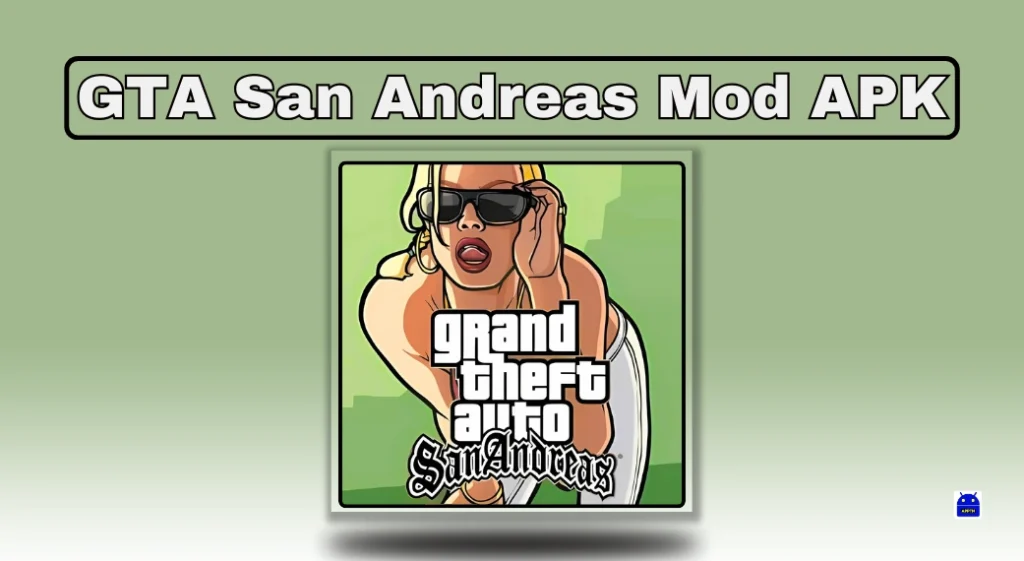
A page advertising GTA San Andreas Mod APK with unlimited money or everything unlocked is making claims about an unofficial file. Those claims are not established by a gameplay video, an “anti-ban” badge or a filename. This guide links to Rockstar’s official Android editions and explains what to check before installing.
Quick Overview
| Edition | What to check |
| Grand Theft Auto: San Andreas | Original mobile listing by Rockstar Games; paid purchase. |
| GTA: San Andreas – Definitive | Separate Rockstar listing with its own purchase and device requirements. |
| Unlimited-money mod APK | Unofficial file claims are not verified by this guide. |
| Save progress | Confirm supported backup before uninstalling or changing editions. |
Official GTA San Andreas on Android
Rockstar Games has a Google Play listing named Grand Theft Auto: San Andreas, package com.rockstargames.gtasa. It is a paid game; check the price and device eligibility shown to your own account before buying.
The story follows Carl “CJ” Johnson through San Andreas. Rockstar’s mobile listing describes customizable touch controls, adjustable graphics and support for selected external controllers. These are published features, not a claim that this site tested performance on your phone.
View Grand Theft Auto: San Andreas on Google Play
The Definitive Edition Is a Separate Listing
GTA: San Andreas – Definitive is also listed by Rockstar Games, with package com.rockstargames.gtasa.de. Treat it as a separate edition: check its purchase terms, supported devices and requirements rather than assuming a purchase or save from another edition transfers.
View GTA: San Andreas – Definitive on Google Play
Both listings are intended for mature audiences. Review the content rating displayed in your region before installing for a child or sharing a family device.
Are Unlimited Money and All Missions Unlocked Verified?
No modified installer has been tested or authenticated for this article. Different websites can use “GTA SA mod” for different files, scripts or modified saves. Do not assume they all contain the same changes, work with the same edition, or are supplied by Rockstar.
A modification designed for one game build may not apply to another. Claims about CLEO scripts, modified save files and repackaged game installers should also be kept separate. This page does not provide a cracked installer, an unlocked game-data bundle or a guarantee that an unofficial download is safe.
How to Install the Official Game
- Open the official listing for the edition you want and verify Rockstar Games as the publisher.
- Check device compatibility, the displayed price, available storage and the content rating.
- Complete the store’s purchase and installation process. Let the app obtain any additional game data it requires.
- If installation fails, use the listing’s support route or Rockstar Support. Record the exact edition, phone model and error.
Do You Need an APK and OBB Download from Another Website?
Start with the official store installation. Do not mix an installer from one edition with a data archive from another because a tutorial calls both “San Andreas.” Before uninstalling a working copy or replacing game files, check how that edition saves progress and preserve your saves through its supported options.
What About iPhone or PC?
An Android APK is not a native iPhone or Windows installer. Use Rockstar’s official website to find the version distributed for your platform. A mobile manual or companion app is not the full GTA game, and an emulator does not establish that an unknown APK is authentic.
How to Uninstall the Android Game
Check the exact edition’s supported save-backup options and preserve progress before removal. In Google Play, use profile → Manage apps & devices → Manage, select the GTA edition you installed, then Uninstall. Do not assume reinstalling or choosing another edition will restore a local save.
Sources and Scope
This is a download-identification guide based on the two official store listings. It does not claim hands-on benchmarks, a tested mod menu or universal device compatibility.
- Rockstar: Grand Theft Auto: San Andreas for Android
- Rockstar: GTA San Andreas – Definitive for Android
- Rockstar Support
Reader Recommendation
Choose an official edition based on your device and the experience you want. If you already own the original mobile release, check that listing and your existing saves before buying another edition. A different icon, improved graphics or a similar title does not mean your earlier purchase includes it. If Google Play does not offer installation on your phone, do not assume a downloaded APK will solve the compatibility problem.
Frequently Asked Questions
Is GTA San Andreas free on Google Play?
The two Rockstar listings reviewed show paid purchases. Your account shows the applicable regional price and any current offer. An unofficial page promising a free unlocked copy is not evidence of a Rockstar promotion.
Which Android edition should I install?
Use the original mobile listing if that is the edition you intend to buy or already own. Evaluate Definitive separately. Check current device eligibility and the publisher’s description rather than relying on another website’s fixed RAM or file-size table.
Will my saved game transfer to Definitive?
Do not assume it will. These are separate listings. Confirm the supported transfer or backup process for your precise edition with Rockstar before removing the old game. Keep the working copy until you know your progress is protected.
Does an anti-ban label prove a mod is safe?
No. A label is a claim from the download provider, not a technical assessment or a publisher endorsement. This guide has not authenticated any mod installer or tested its contents.
What if I installed the wrong app?
Check the installed app’s name and publisher. Preserve any needed progress before uninstalling. Google’s Play Protect guide explains checks for potentially harmful apps, including apps obtained from other sources.
More Articles You May Like