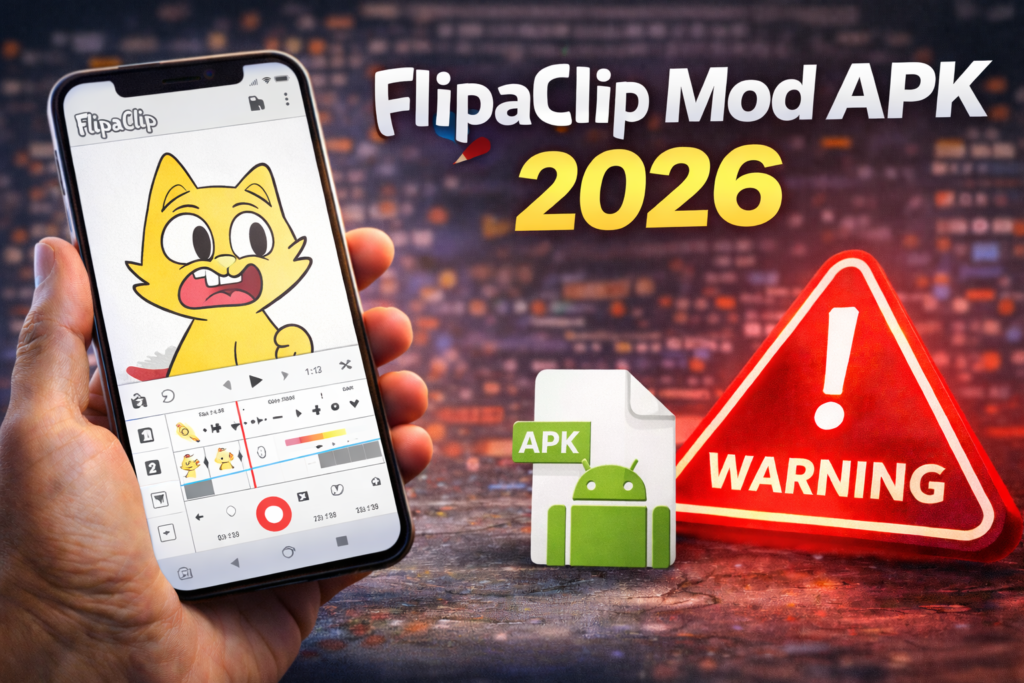
FlipaClip mod APK usually means an unofficial Android package advertised with paid animation tools unlocked. A download label or screenshot does not establish who changed the file, whether the features work, or whether your drawings will remain private. For creators, protecting editable projects matters as much as getting extra tools.
This guide explains the official Android app, practical free options and the backup checks to make before changing installations. It is based on publisher documentation, not a hands-on test of a modified APK.
Which FlipaClip app is official?
The FlipaClip Google Play listing identifies Visual Blasters LLC as the publisher. The package is com.vblast.flipaclip. Match the publisher and package, not just the icon: another file can reuse the app name.
FlipaClip is for frame-by-frame 2D animation. Its Android listing describes drawing tools, onion skin, layers and video or GIF exports. These help you plan a scene, compare adjacent drawings and share the finished animation. The listing includes ads and in-app purchases, so free installation does not mean every option is included.
Can you animate without a mod?
Yes. Start with the official app and a small practice project. For example, draw a bouncing ball, duplicate and adjust frames, then preview the movement before adding sound. This tests whether the workflow suits you without committing a large project or buying extras immediately.
The Android listing describes three free layers. A simple workflow is to separate a background, moving character and foreground detail. Check the app’s current upgrade screen for additional layer access and other paid features; platform descriptions and entitlements can differ. Do not buy a plan based on an old APK site’s feature table.
Before paying, check the price, billing period, included features and renewal terms shown for your own account. A claim such as “premium forever” on a download page is not proof of a valid purchase or subscription.
What a mod download cannot prove
- “All tools unlocked”: a screenshot does not establish durable access to paid features.
- “No virus”: a label does not independently verify the file or its handling of your media.
- “Latest version”: a filename is not confirmation that it matches the publisher’s current release.
- “No project loss”: this requires a recoverable backup, not a promise from a download site.
We have not inspected a particular mod file and cannot label every such file as malware. The practical uncertainty is that its code and support path may differ from the publisher’s app. Avoid granting access to private media merely to test an unverified claim.
Back up editable projects before uninstalling
FlipaClip’s project location guidance says projects are stored on the device. Signing into a FlipaClip account does not save those projects or automatically move them to another device.
Follow the publisher’s project backup instructions. Editable project files use the .fc extension. The guidance describes backup as a premium feature and also describes a rewarded-ad option; use the option actually available in your app. Importing a project is free.
- Export each important editable project through the app’s backup/share option.
- Save a copy outside the app, such as in your own cloud storage.
- Confirm that the saved file exists and, where possible, can be imported before removing the original.
- Export a finished video too if you need a viewable copy. A video is not a replacement for editable layers and frames.
How to install or update the official app
Open the Google Play link above on your Android device, confirm Visual Blasters LLC, and choose Install or Update if available. Review permissions and use a non-sensitive test project first. If Play reports incompatibility or unavailability, do not assume an unofficial APK solves it.
How to uninstall FlipaClip
Complete the project backup checks first. Then open Android Settings, choose Apps, select FlipaClip and tap Uninstall; menu wording varies by phone. Reinstall only from the verified Play listing when needed. Recovery of projects created in a modified build is not guaranteed.
If you have a Google Play subscription, removing the app does not cancel it. Manage cancellation separately using Google Play’s subscription instructions.
Frequently asked questions
Does a FlipaClip account back up my animations?
No automatic project backup should be assumed. The publisher says projects are local and account sign-in does not save them. Keep separate .fc backups.
Is a FlipaClip mod guaranteed to be unsafe?
We cannot determine the behavior of an unidentified file. We also cannot certify it as safe. Use the verified publisher distribution and protect your original artwork.
What if an APK asks me to turn off Play Protect?
Keep protection enabled. Google explains that Play Protect checks apps, including potentially harmful apps from outside Play. A clean scan is not a guarantee of authenticity or paid-feature entitlement.
More Articles You May Like






