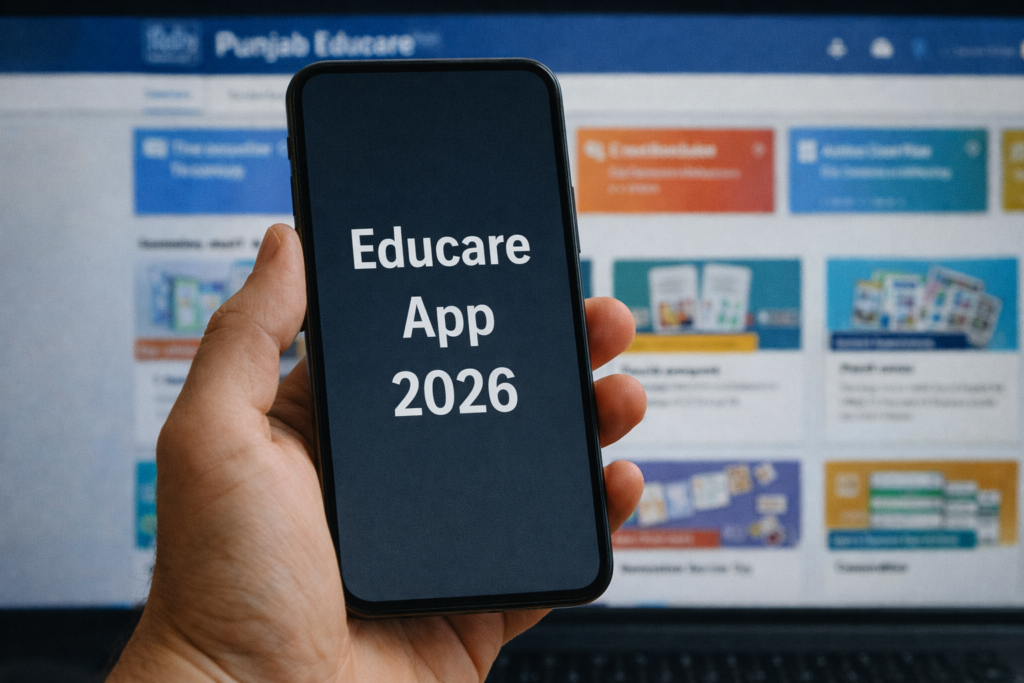
Punjab Educare helps families find study resources and gives teachers tools for contributing educational material. If you searched for an “Educare app,” check the publisher first: this guide covers Punjab Educare associated with Punjab’s School Education Department, not every similarly named school app.
The important distinction is between student learning resources and the teacher portal. Students can start with the website’s Students’ Corner. The current Android listing also describes registered-teacher and administrator features, so students should not assume that they need a teacher account.
Quick overview
| Question | Answer |
|---|---|
| Which Android app? | Punjab Educare, published by Department of school education, Punjab (India) |
| Package identifier | com.deepakkumar.PunjabEducare |
| Student starting point | Students’ Corner on punjabeducare.org |
| Offline study | Save an available textbook file first; online pages and video links still need connectivity |
| Cost and ads | The listing describes free study material and marks the app as containing ads |
How students and parents can find lessons
- Open Punjab Educare Students’ Corner.
- Choose Primary, Secondary or Senior Secondary, then the relevant class and subject where available.
- Check the resource’s language, class and academic session before using it for homework.
- Read a small section and compare its chapter heading with the textbook your school assigned.
- Keep the page bookmarked so that you can return to the original resource rather than searching through copied files.
For revision, choose one chapter, read the explanation, answer a few questions without looking at the solution, and ask your teacher about anything unclear. A large collection is most useful when it supports a specific lesson plan.
Downloading textbooks and studying offline
The E-Books section offers textbook downloads for personal study. Save the required file while connected, then open it from your device’s downloads folder. Test that it opens before travelling or studying without internet.
Downloading one PDF does not save the entire website. Embedded videos, quizzes and other linked resources may still need internet. Check the filename and edition before replacing an older copy, and keep your own notes separately.
Android installation and teacher access
Use the Punjab Educare Google Play listing and check the publisher and compatibility on your phone. Its description includes teacher question submissions, resource contributions and approval workflows. Registered teachers should follow the access instructions provided by their school or the service.
Do not create a teacher identity just to read a lesson. If a login screen does not match your role, return to the student website or ask your school which route you should use.
If a textbook or lesson does not open
- Check whether the problem affects one resource or every page.
- Try the resource’s original website page in your normal browser.
- For a downloaded PDF, confirm the download finished and that a PDF reader is available.
- If a file is missing or access-restricted, tell your teacher the class, subject and resource title. Installing a different APK will not repair a restricted remote file.
A resource’s presence does not prove that it matches the latest school instructions. Confirm examination dates and assessed chapters with your school.
Privacy and removing the app
The Play listing’s developer-provided Data safety section says personal information and photos/videos may be collected. Review the current policy before submitting material, especially anything containing student details.
To uninstall, open Android Settings → Apps → Punjab Educare → Uninstall. Labels vary by phone. Save any locally stored work first. Uninstalling is separate from requesting deletion of an online account or submitted information.
Frequently asked questions
Do students need a teacher login?
Start with Students’ Corner for learning resources. The listing describes teacher accounts separately; ask your school if a particular activity requires access.
Does Punjab Educare work completely offline?
A successfully downloaded textbook can be read offline. Do not assume that video links, quizzes or all app screens work without internet.
Which “Educare” app should I install?
Match both the publisher and package identifier shown above. The name alone is not enough to identify the Punjab app.
Our recommendation
Use Punjab Educare for a specific class and subject, check the material against your school’s instructions, and save the resources you need in advance. Students should begin with the learning website; teachers can use the portal for the contribution tasks available to their accounts.
More Articles You May Like






