Source review: 18 October 2026. This is an assessment of official documentation, not a hands-on test.
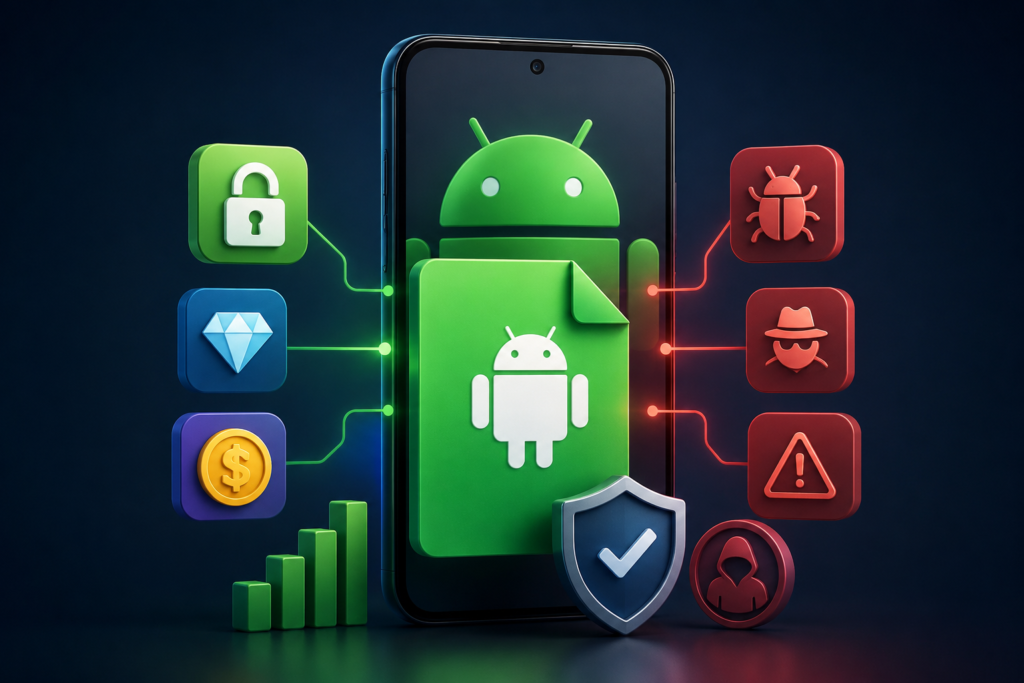
An APK downloader Chrome extension is not automatically an official Google download service. A tool may accept a Play Store link while obtaining its file from another server. Before adding browser access or installing an Android package, identify who supplies the extension, who supplies the file, and why you need a separate installer.
This guide does not recommend a particular downloader or provide APK links. There is no single product called “APK Downloader Chrome” with one universal latest version. Different publishers use similar names, and their behaviour and permissions need individual evaluation. For ordinary app installation, start with the official store or the app publisher’s documented distribution route.
| Browser extension | Software that runs with permissions inside Chrome |
|---|---|
| APK | An Android application installation package |
| Play Store URL | Identifies a listing; does not authenticate every file offered elsewhere |
| Latest version | Must be checked for the exact extension and publisher |
| Main decision | Is separate file access necessary for your legitimate task? |
Jump to: Official installation · Permissions · APK checks · Claims to question · FAQ · Remove extensions
You may not need an APK downloader
Google’s installation guidance allows you to browse Google Play on the web and install compatible content on an associated device. This is different from downloading a standalone APK to your computer. Check the device selection and eligibility shown by Google Play first.
If you develop an app, obtain a build from your own project or the authorised testing channel. If you are testing someone else’s app, ask its publisher for the appropriate build and instructions. A random downloader is a poor substitute for a documented testing process.
When an app is unavailable, determine whether the issue is compatibility, account eligibility or publisher distribution. An installer from elsewhere does not necessarily make the service work, provide an account entitlement or solve an unsupported device requirement. Do not treat a restriction as evidence that any available copy is appropriate.
Check the browser access separately from the APK
Chrome’s permission guidance explains that extensions can request different kinds of access. The question is whether each permission has a clear purpose for the promised feature. “Manage downloads” alone is not a universal test of safety, and a working download does not prove that browsing data was handled appropriately.
- Confirm the exact publisher, extension name and support website.
- Read the permission prompt and privacy disclosure before adding it.
- Ask why broad access to websites or browsing activity is necessary.
- Look for a maintained description that explains where files come from.
- Do not provide Google passwords, session cookies or authentication codes to a downloader.
A store presence, familiar logo or long list of reviews is not a guarantee. Equally, an unfamiliar developer is not automatically malicious. Assess the evidence and avoid installing when essential questions about access or file origin remain unanswered.
A matching filename does not verify an Android app
Android’s signing documentation explains the role of signing keys in app identity and updates. A package name or version label can be copied. A meaningful authenticity check needs a trusted reference for the publisher’s signing identity, not merely a claim that the file is “signed.”
Do not assume that any certificate means Google approved the app. Signing establishes an identity relationship; it does not certify every behaviour as safe. If you cannot establish a trusted source, a filename ending in “official” adds no useful assurance.
Android App Bundle documentation describes how Google Play generates optimised APKs for devices. Some distributions involve multiple split packages. A single file copied from another device may be incomplete or unsuitable. Renaming an archive to APK will not resolve missing components or compatibility requirements.
For an authorised testing workflow, keep the release source, version and any publisher-provided integrity information together. Do not erase an existing working installation simply to force an unrelated package to install. A signature mismatch needs investigation, not a workaround chosen without understanding the consequences.
Claims that should not decide your choice
“Latest 2026,” “premium unlocked,” “Google verified” and “works in every country” are marketing text until supported by specific evidence. This article does not publish a fictitious extension version or a generic publisher as an example of a real product.
There is also no blanket legal conclusion for every download. Licence terms, access rights, redistribution and local law matter. A free price does not automatically grant permission to modify or redistribute an app. Use the publisher’s terms for your intended use and obtain qualified advice if a legal decision depends on it.
Do not disable Chrome security warnings or Android protections to follow an extension’s instructions. Google Play Protect can inspect apps and warn about harmful behaviour, but no scan proves a file is safe. Keep protections enabled and treat warnings as a reason to pause.
A quick decision guide
| Your task | Starting point |
|---|---|
| Install a normal Android app | Official store on a compatible device |
| Test your own application | Your controlled build and testing process |
| Use a publisher’s beta | Its documented beta channel |
| Unknown APK from an extension | Establish source and identity before installation |
Frequently asked questions
Does desktop Chrome run an APK?
An Android package is not a Chrome extension. Downloading it to a desktop does not make it run as a browser add-on.
Is the newest extension always safer?
No. A recent update can be relevant, but source, permissions and behaviour still matter. Version numbers are meaningful only for an identified product.
Does a Play Store link guarantee an original file?
No. The link identifies the app being requested. It does not establish the origin or integrity of the file returned by a separate service.
How to remove an unwanted extension
Follow Google’s extension-management guide: open Chrome’s extensions management page, find the extension and choose Remove. Review the remaining installed extensions for anything you did not intend to add.
Removing an extension does not uninstall Android apps already installed from its files. Handle those separately on the phone. If you shared credentials, secure the affected account through its official recovery controls; simply deleting a downloaded file does not revoke access already granted.
Update policy: We will revise this APK downloader Chrome guide when official browser or Android documentation changes. No downloader, mirror or modified APK receives a blanket safety endorsement.
More Articles You May Like