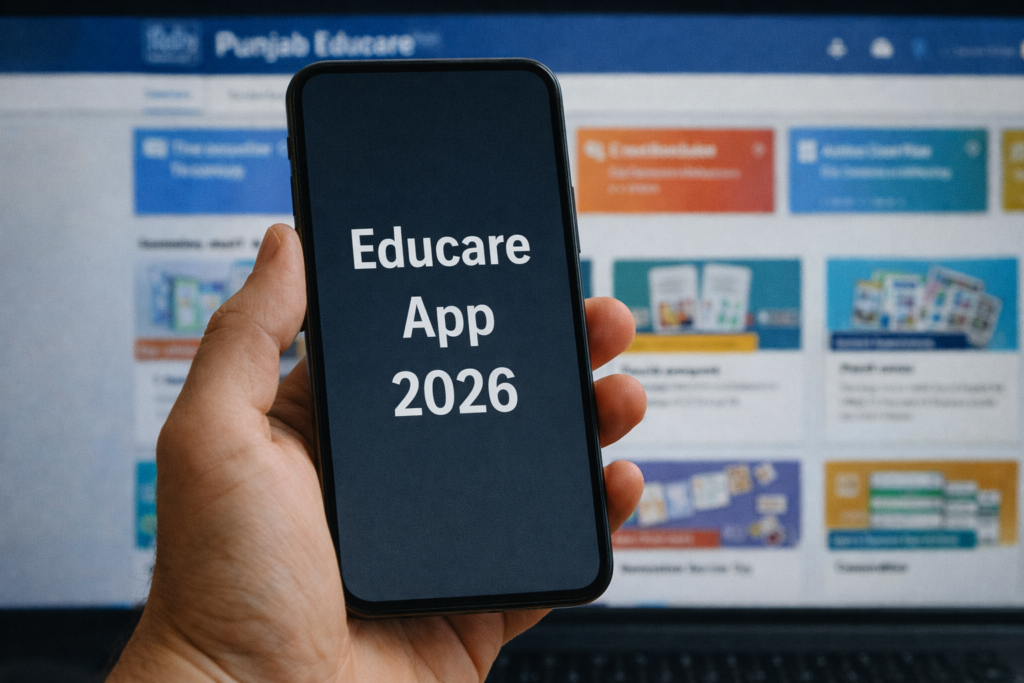
Educare App 2026 is a popular educational platform designed to support students, teachers, and parents by giving free and organized access to learning resources aligned with the Punjab School Education Board (PSEB) curriculum. The app is widely used in 2026 because it provides textbooks, video lessons, quizzes, interactive learning tools, and teacher portals — all in one place.
This guide explains what the Educare App is, how the Punjab Educare App works, how you can use it online and offline, and what features make it a valuable education tool. We also include FAQs that help you understand the app without promoting any unsafe download methods.
Table of Contents
What Is the Educare App? (Definition for 2026)
The Educare App refers to a digital education platform developed to make learning resources accessible and convenient. The most prominent version of this platform in Punjab is the Punjab Educare App, created by the Punjab School Education Department to help students and teachers access structured study materials easily.
This app is intended to solve the problem of educational material accessibility, especially for students in remote or underserved regions. It provides all basic study resources from nursery to Class 12 in a well-organized format.
Punjab Educare App – Key Features for Students and Teachers
The Punjab Educare App is designed to be a one-stop educational hub. Here’s what it offers:
1. Comprehensive Study Material
It provides:
- Textbooks from primary to senior secondary levels
- Video lessons for core subjects
- Worksheets and sample papers
- Exam preparation guides
All aligned with the PSEB syllabus.
2. User-Friendly Interface
The app’s interface is structured so that students and teachers can find study materials easily without confusion.
3. Daily Updates
The content is regularly updated by the education department to keep learning materials fresh and relevant.
4. Interactive Learning Tools
Students get:
- Quizzes
- Video tutorials
- Revision sheets
- Assessment practice
These tools help improve engagement and self-learning.
5. Teacher Tools and Support
Teachers benefit from:
- Lesson planning resources
- Question banks
- Contribution tools
- Professional worksheets
This reduces workload and helps improve teaching quality.
Punjab Educare App Download and Installation
Although there are many pages that claim to provide download links, the safest and recommended way to obtain the Educare App version for Android is through the Google Play Store — this ensures you get the official, secure release by the Punjab Department of Education.
In 2026, the app has millions of installs with regular updates and robust support by the official team.
How to Use the Punjab Educare App Online (Step by Step)
Students and teachers can use the Punjab Educare App online by following these general steps:
- Open the App: Launch the Educare app from your device.
- Select Your Role: Choose whether you are a student or teacher.
- Choose Class or Subject: Navigate to your required class level or subject category.
- Access Material: Tap on textbooks, videos, assignments, or quizzes.
- Interactive Activities: Engage in quizzes and exercises to reinforce learning.
- Track Progress: Use the in-app tools for revision and assessment preparation.
This workflow ensures that users can benefit from a structured learning experience.
Punjab Educare App Open: What Happens Next?
Once you launch (“open”) the Punjab Educare App:
- You enter the main dashboard
- You can choose from subject lists or grade menus
- You access e-textbooks and video lessons
- You can test yourself using daily quizzes
- If you’re a teacher, you can use the teacher portal tools
The app is updated often to add more content and improve usability. Google Play
Overview Table
| Aspect | Details |
|---|---|
| App Name | Educare App / Punjab Educare App |
| Purpose | Free education resources for students and teachers |
| Main Content | E-textbooks, videos, quizzes, worksheets |
| Target Users | Students, Teachers, Parents |
| Supports | Punjab School Education Board syllabus |
| Availability | Official Android app store listings |
Why Educare App Is Important in 2026
The Educare App stands out because:
- It bridges the digital divide by bringing e-learning to students even in remote areas.
- It supports both students and teachers with official curriculum content.
- It is free and regularly updated.
- Its focus is on holistic academic support, not just textbooks.
These factors make it a key educational tool in Punjab today.
Final Recommendation
If you are a student, teacher, or parent looking for a free, official, and comprehensive educational app, the Educare App (Punjab Educare) provides a reliable platform focused on learning and development. Avoid unofficial sources that offer unsafe download methods — always use the official app store or the official online platform for the best experience. Google Play
More Articles You May Like