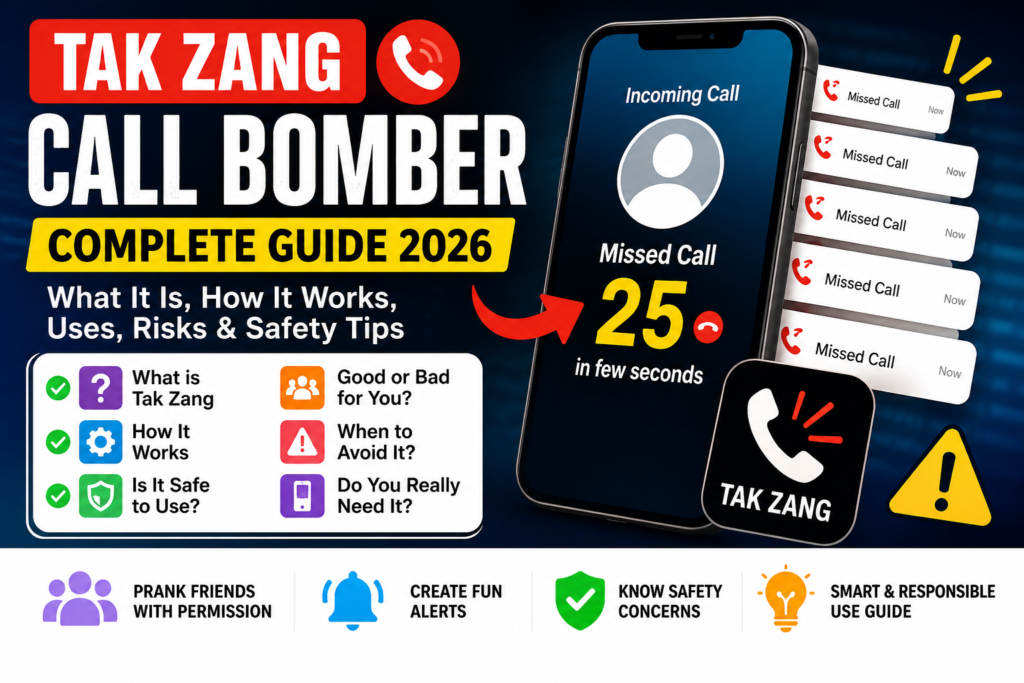
“Tak Zang Call Bomber” is not a product we can certify as safe, official or reliable. The name is used online for claims about repeated calls or missed-call alerts. This review has not established a verified Google Play publisher, a tested APK or a dependable service behind that name.
If repeated calls are disrupting your phone, the useful next step is to preserve evidence, reduce interruptions and report the problem through appropriate channels. Installing another unknown tool is not necessary to begin those steps.
What does call bombing mean?
Call bombing generally refers to a burst of repeated unwanted calls intended to overwhelm or disturb a recipient. A large number of missed calls alone does not identify which tool or person caused them. Network problems, spam campaigns and other sources can also produce unwanted call activity.
Do not treat a video demonstrating many alerts as proof that a particular downloadable app works as advertised. We have not verified the number of calls, supported countries, pricing or anonymity claims associated with Tak Zang.
Why a “prank” label is not enough
Repeated calls can interrupt work, sleep or access to important incoming calls. A recipient may not experience them as a joke. Using someone else’s number to trigger unwanted activity also exposes their contact information to the service receiving it.
For an agreed demonstration, a local fake-call screen that rings only your own device is a different category from generating calls to another person’s number. Our fake-call app comparison explains that distinction. Check what an app actually does instead of relying on its label.
What to do when repeated calls begin
- Preserve a small evidence set. Note the time range and save relevant call-log screenshots or threatening messages. Keep them private.
- Block identifiable repeat numbers. Use your phone’s built-in call controls.
- Review spam filtering. Check your dialler and network provider’s available protections.
- Contact your carrier. Explain the repeated activity and ask what network-level options are available.
- Report threats or suspected fraud. Choose the appropriate police, cybercrime or telecom reporting route for what happened.
Do not call every unfamiliar number back or pay someone who promises to “whitelist” your number. Keep a reliable way for trusted contacts to reach you while adjusting call settings.
Block calls in Phone by Google
Google’s official blocking instructions say to open Phone, select a call in Call history and choose Block/report spam. Menu labels may vary on your device.
Its Settings, Blocked numbers, Unknown option blocks private or unidentified numbers. It does not block every number missing from your contacts. This distinction matters if calls arrive from many visible numbers. Blocking one number may not stop calls from others.
Google also offers caller ID and spam protection. Review its data-use explanation before enabling features: identifying calls from outside your contacts can involve sending the number to Google. Filtering is useful but cannot promise that every unwanted call will be caught.
Reporting options in India
The Department of Telecommunications describes Chakshu and commercial-spam reporting. Use Chakshu on Sanchar Saathi for the supported suspected-fraud or unsolicited-commercial-communication categories. Commercial spam can also be reported through your telecom provider’s 1909 process.
A personal harassment incident is not necessarily a marketing-spam complaint. Contact local police when there are threats or ongoing harassment, and provide the evidence you saved. If financial cyber fraud is involved, contact your bank and report promptly through cybercrime.gov.in or 1930. Do not wait for a spam filter to resolve a financial loss.
If you installed an APK with this name
Stop supplying phone numbers or credentials to it. Review permissions and any special access you granted. If you entered a password used elsewhere, change it through that service’s official recovery or security settings from a trusted device.
How to Uninstall an unwanted app
Open Android Settings, Apps, select the app and choose Uninstall. If special access prevents removal, consult your device manufacturer’s official instructions. Run a Google Play Protect scan afterwards and keep protection enabled. Uninstalling does not automatically erase information already sent to a third-party service.
Common questions
Does a missed-call burst prove my phone is hacked?
No. Repeated incoming calls alone do not establish that someone has accessed the device. Investigate additional signs, such as unfamiliar apps, account changes or unauthorised transactions, separately.
Can a call blocker guarantee the calls stop?
No. Its effectiveness depends on the incoming numbers, dialler and provider. Ask your carrier for help if the pattern continues.
Is there a verified Tak Zang download here?
No. We have not established an official store listing or verified publisher for the tool discussed under this name, so this page does not provide an APK download.
More Articles You May Like






