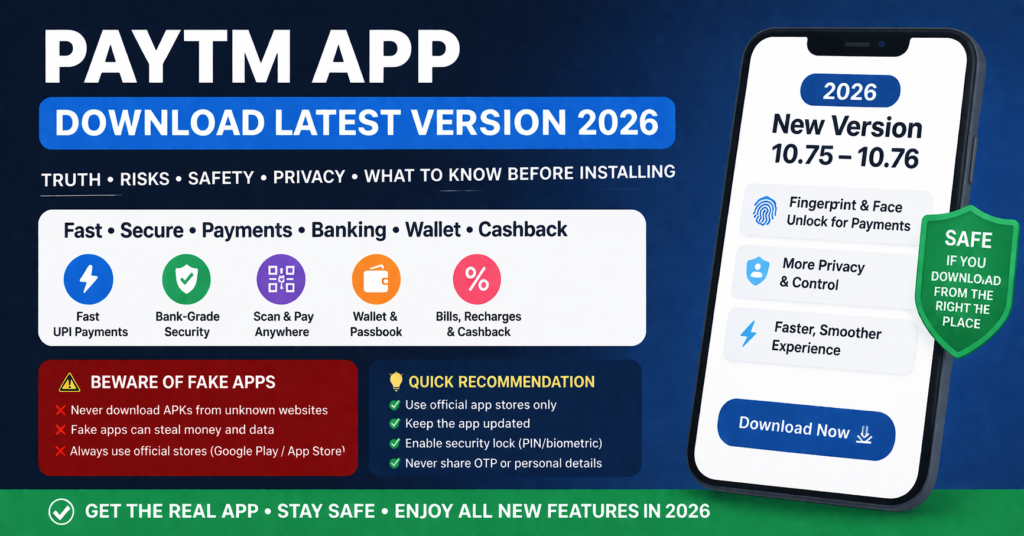
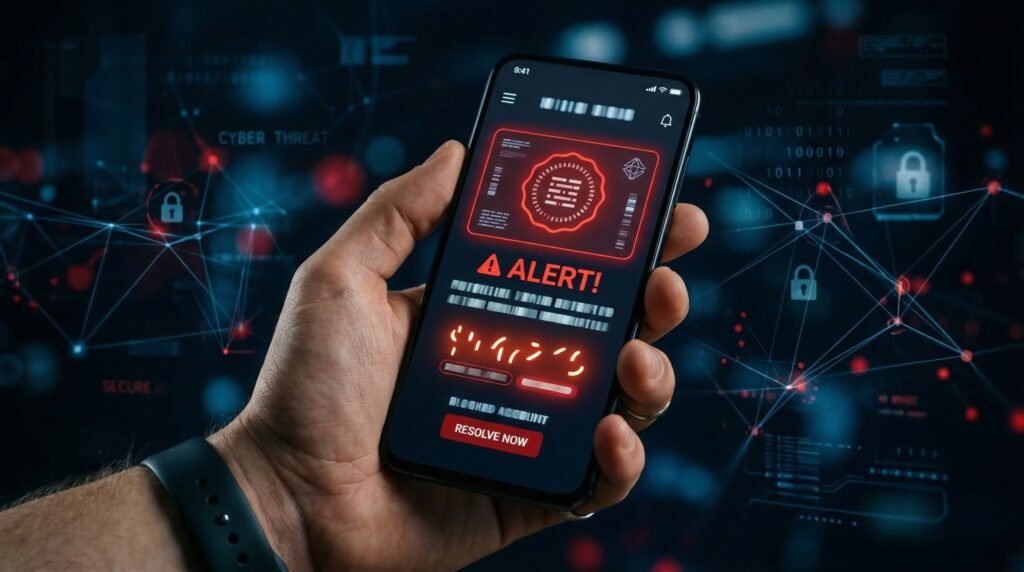
Fake Google Pay scams in 2026 mostly happen through edited screenshots, look-alike payment apps, tampered QR codes, and phishing links. Never trust a screenshot. Always verify transactions inside your Google Pay or bank app before giving goods, money, or OTPs.
✅ Key Scam Details
| Item | Details |
|---|---|
| Scam name commonly seen | Fake Google Pay / GPay / Payment Successful Pop-Ups |
| How scams appear | Fake apps, WhatsApp links, SMS links, APK downloads, spoofed payment screens, edited receipts |
| Main danger | Money loss, UPI PIN theft, OTP theft, forced “refund request” scams, QR redirection |
| Target regions | India (UPI scams), USA (phishing), Europe (card/verification scams) |
| Key signs | Developer name mismatch, unusual permissions, too-new app, sideload APK requests |
| What scammers want | OTP, UPI PIN, card details, or to redirect you into sending money |
| Real solution | Use only official Google Pay from Play Store / App Store and verify transactions in-app |
✅ How to Identify a Fake Google Pay (10-Second Check)
- Check developer name — it must be Google LLC.
- Check download source — only Play Store / App Store is safe.
- Ignore screenshots — verify your transaction inside your app.
- Reject APKs — never install payment apps from links.
- Watch for permissions — fake apps ask SMS/Accessibility access.
- Check app reviews — scams usually have low or generic reviews.
✅ How Scammers Operate (Simplified)
1. Fake Payment Screenshot
They send a screenshot saying “₹2,000 Paid”.
Truth: Screenshot can be edited in 10 seconds.
Safe step: Check your Google Pay → “Activity” tab.
2. Look-Alike Google Pay Apps
These apps copy the real icon/UI but aren’t from Google.
They steal OTPs or show fake “Payment Successful” screens.
3. QR Code Replacement
Scammers stick a new QR on top of a shop’s real QR.
Money goes to them, not the merchant.
4. Phishing Links
Messages like “Google Pay Update Required”, “KYC Expired”, “Payment Verification Needed”.
They lead to fake login pages collecting passwords/PINs.
✅ How to Stay Safe (India / USA / Europe)
✅ India (UPI)
- Don’t rely on screenshots.
- Verify UPI transaction ID inside your app.
- Never enter your UPI PIN to “receive” money (you only use it to send).
✅ USA
- Beware of card-verification phishing.
- Never enter card details on links sent by strangers.
✅ Europe
- Don’t install APK files.
- Check your transaction history in your banking app before confirming anything.
Universal Rule
If anyone asks for OTP or UPI PIN, stop immediately. No genuine service needs them.
✅ When to Avoid Any App Immediately
- Asks for Accessibility permission.
- Requests SMS reading permission for “verification”.
- Redirects you to another app or browser for payment confirmation.
- Developer name doesn’t match Google LLC.
- App appears outside official app stores.
✅ What To Do If You Installed a Fake App
- Uninstall it instantly.
- Change your Google password.
- Check your bank account for unknown transactions.
- Report fraud to your bank / cybercrime portal.
- Enable 2-Step Verification on your Google account.
✅ FAQ (Clean)
How do I know if a Google Pay payment is real?
Open Google Pay → Activity → check if the payment appears with a valid UPI ID.
Can fake apps appear on Play Store?
Rare, but it can happen. Always check developer name and permissions.
Is scanning QR codes dangerous?
Yes, if the QR is tampered. Check the merchant name before confirming payment.
Can I receive money without entering a UPI PIN?
Yes. You never enter your UPI PIN to receive money. If someone asks for it, it’s a scam.
What is the safest way to verify payments?
Inside your Google Pay app or bank app only.
More Articles You May Like